AI-powered caption correction, generation, and translation inside Premiere Pro. Fix errors, remove filler words, and create word-by-word viral captions in one click.
Fixes spelling, capitalization, filler words, and punctuation in one click. Review each correction before applying.
Whisper AI transcription with Claude corrections. Word-by-word mode, 1-6 words per caption slider, platform presets.
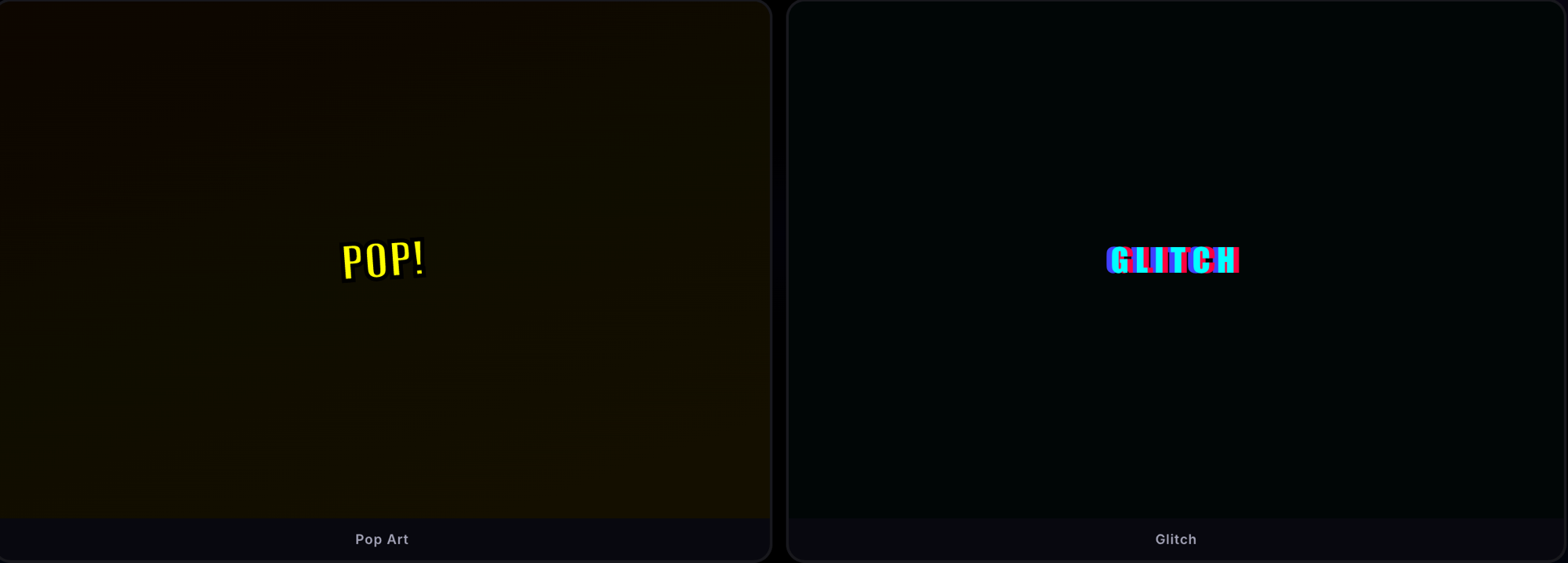
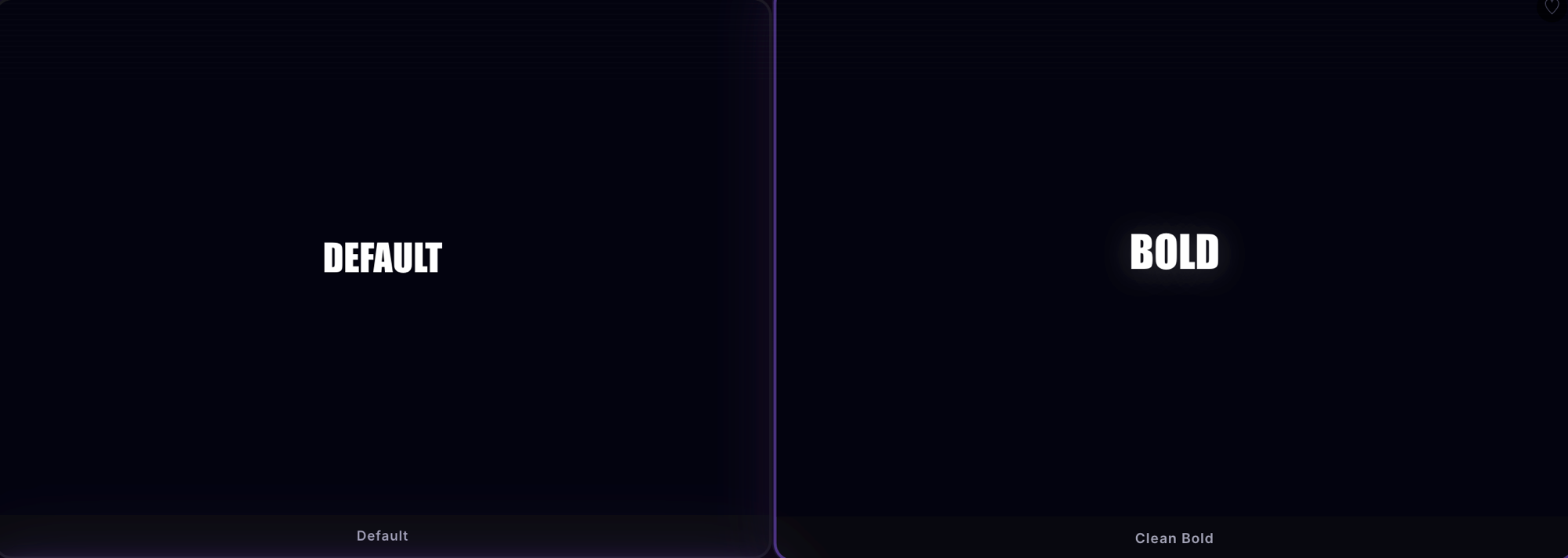
100 Motion Graphics templates across 9 fonts. Search, filter by category, favorite your go-to styles. Entrance animations on every template.
Finds every dead-air gap in your timeline and drops red markers. Configurable threshold. Analyze a 10-minute video in 3 seconds.
Select a folder of SRT files — correct all of them at once. Output to a /corrected/ subfolder. Built for agencies managing multiple clients.
AI adds contextual emojis to your captions. "I love this food" becomes "I love this food 🍕". Toggle on for social, off for professional.
One-click presets for TikTok, YouTube, Corporate, and Podcast. Auto-configures ALL CAPS, word-by-word, fillers, emojis, and styled captions.
Translate captions to 25+ languages including Spanish, French, Japanese, Korean, Thai, Vietnamese, Russian, and more.
Strips "um", "uh", "like", "you know", "basically" and 10+ other filler words from your captions automatically.
Auto-censor swear words for brand-safe content. Toggle on for client work, off for raw creator content.
Export corrected captions in any format. SRT for YouTube, VTT for web players, TXT for scripts and blog posts.
Import your own .mogrt templates from any folder. Works with templates from After Effects, Motion Array, and Envato.
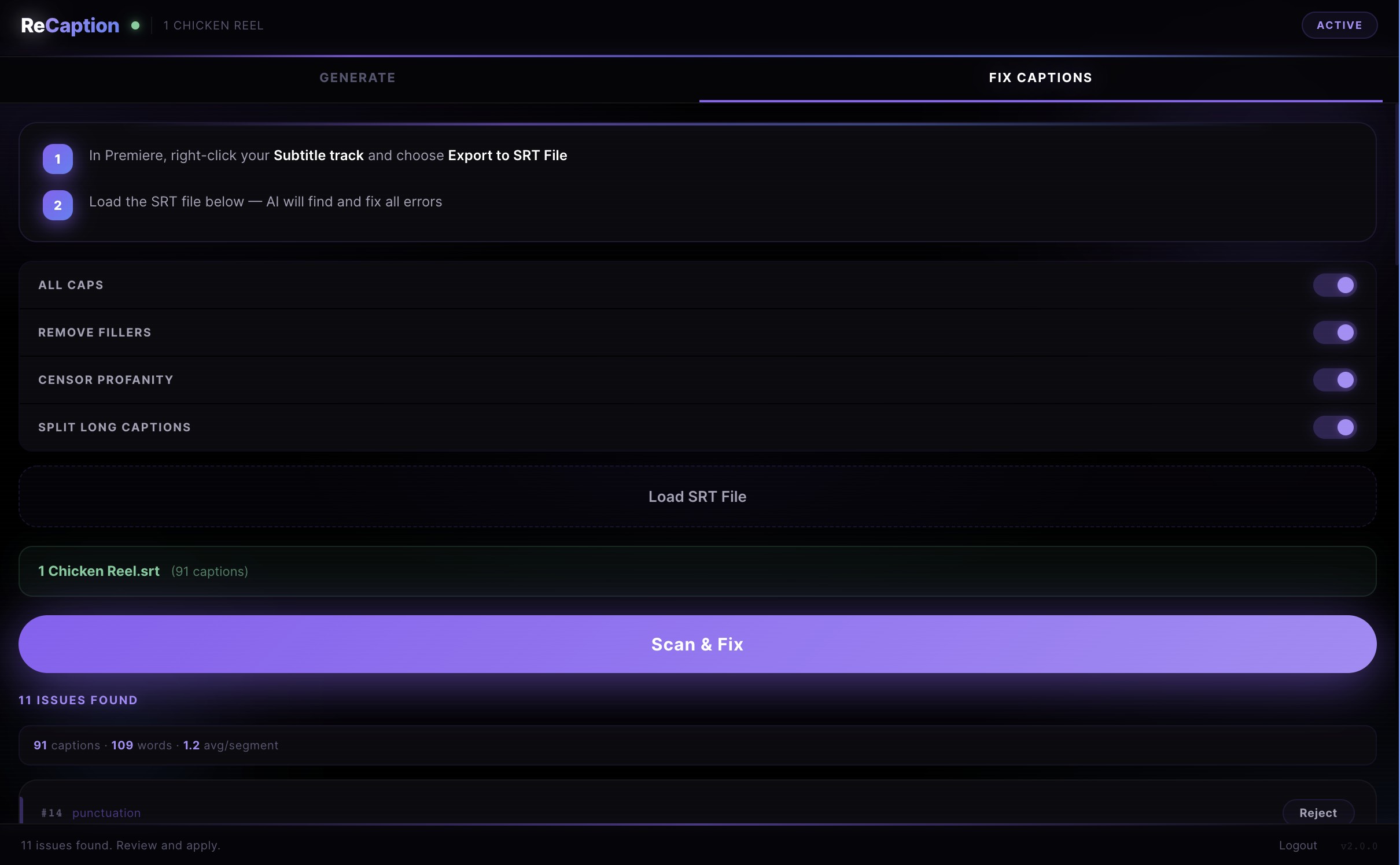
Right-click your subtitle track in Premiere and export as SRT. Or use Generate mode to skip this step entirely.
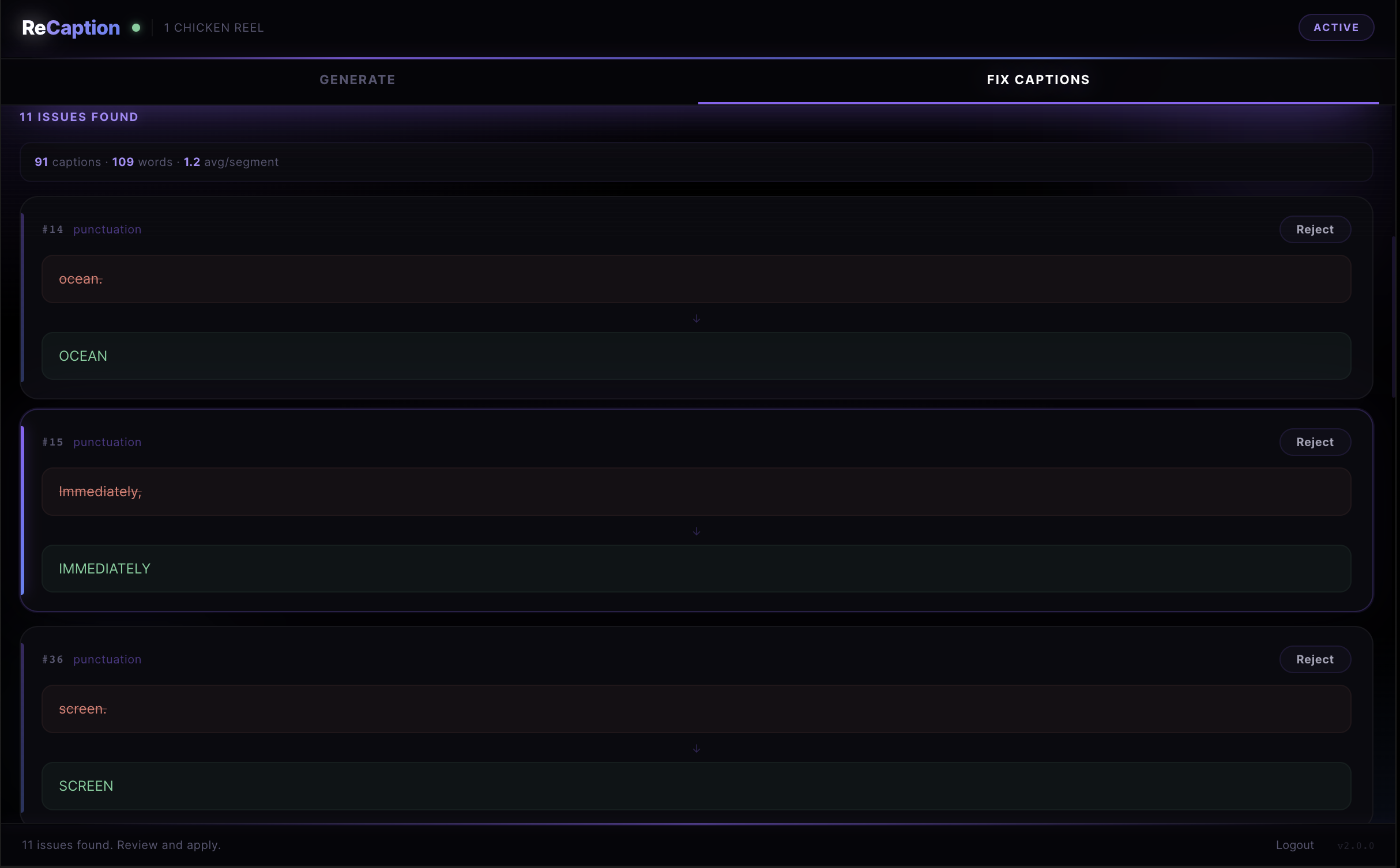
Load the SRT, click Scan & Fix. AI analyzes every caption and shows you exactly what changed and why.
Review corrections, accept or reject each one, click Apply. A new corrected caption track appears on your timeline.
TikTok, Reels, Shorts. 100 styled templates, word-by-word mode, emoji captions, smart presets — one click and you're viral-ready.
Batch-correct folders of SRT files, translate to 25+ languages, detect silences, export to SRT/VTT/TXT. Built for managing multiple clients.
Long-form with hundreds of captions. Silence detection finds dead air. Smart splitting, filler removal, profanity filter. Handles 500+ entries.
30-day money-back guarantee. Not happy? Full refund, no questions asked.
ReCaption works with Adobe Premiere Pro 2024, 2025, and 2026 on both Mac and Windows.
ReCaption uses Claude AI to analyze each caption for spelling errors, incorrect punctuation, missing capitalization, and filler words. It returns structured corrections you can review before applying.
Word-by-word mode creates captions where each word appears individually on screen with precise timing — the viral style that drives engagement on short-form content. Uses Whisper AI for word-level accuracy.
No. ReCaption creates a new caption track on your timeline. Your original captions are untouched. Delete the old track after reviewing.
Yes! You get 10 free AI corrections when you sign up — no credit card required. Experience the full power of caption correction, then upgrade for unlimited access.
100 styled caption templates across 9 fonts — Impact, Futura, Avenir, Helvetica, and more. Each has entrance animations. Search, filter, and favorite your go-to styles. Plus add your own .mogrt templates from any folder.
It analyzes your timeline audio and places red markers at every silence gap longer than your chosen threshold (0.3s-2.0s). You can then quickly review and cut the dead air. Processes a 10-minute video in about 3 seconds.
Yes. Batch Mode lets you select a folder of SRT files and correct all of them at once. Corrected files are saved to a /corrected/ subfolder. Perfect for agencies managing multiple clients.
Download the .zip, extract it, and copy the ReCaption folder to your Adobe CEP extensions directory. Detailed instructions included. Takes 2 minutes.
Download ReCaption and start correcting captions in under 2 minutes.
Mac & Windows. Premiere Pro 2024-2026. Subscription required for AI features.